Caring for your loved ones.
When one pair of hands gets tired, two more hold them up. One place for everyone who helps care for your loved one.
How long has it been since anyone checked in?
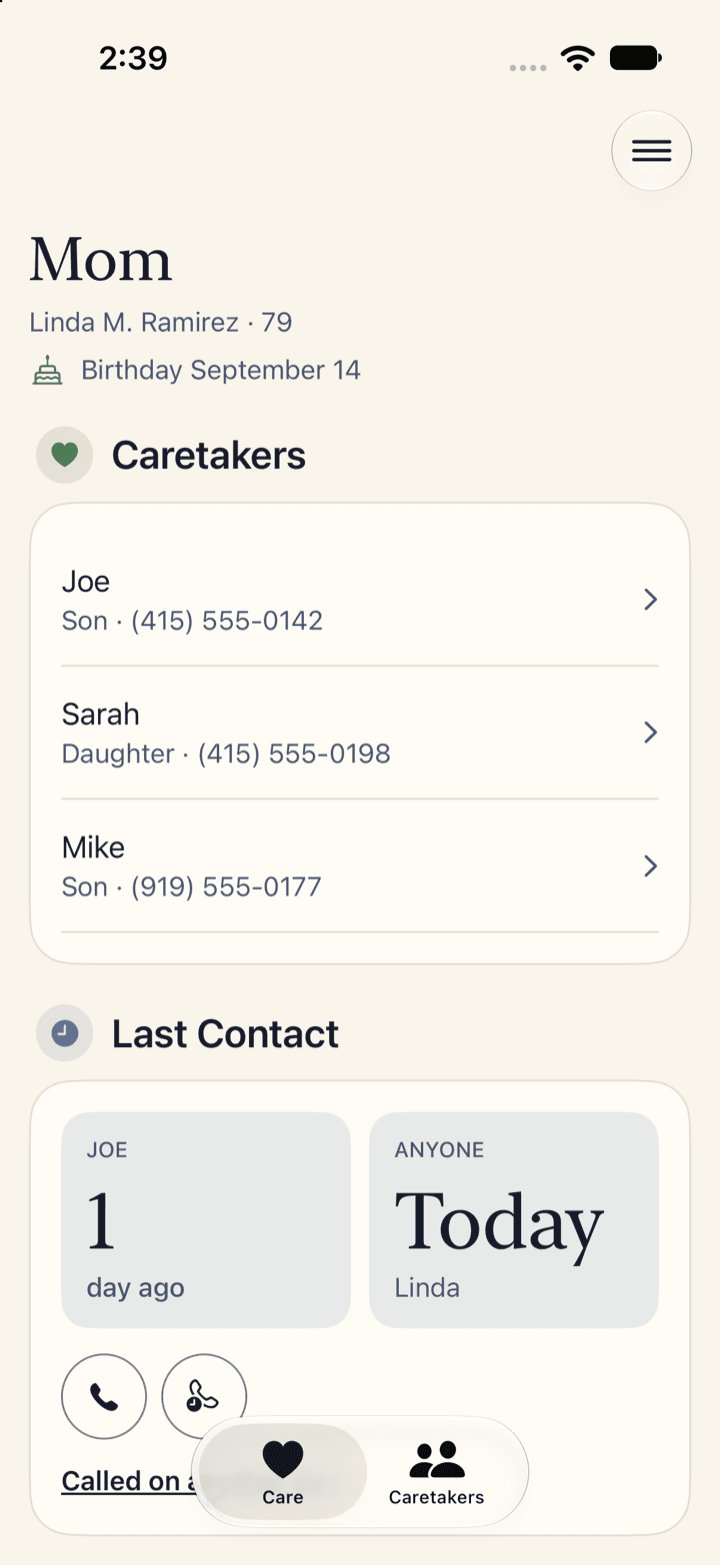
Last Contact
A day every two seconds
Joe
3
days ago
Anyone
1
day ago
Sarah took her to the doctor yesterday. Joe's last call was three days ago.
Make every visit count. You don't know how many are left.
At that pace, that is
65more visits with her.
Based on US life tables from the National Center for Health Statistics, 2022.
Care
Last Contact
How long it's been since anyone checked in. Nobody has to type in a date.
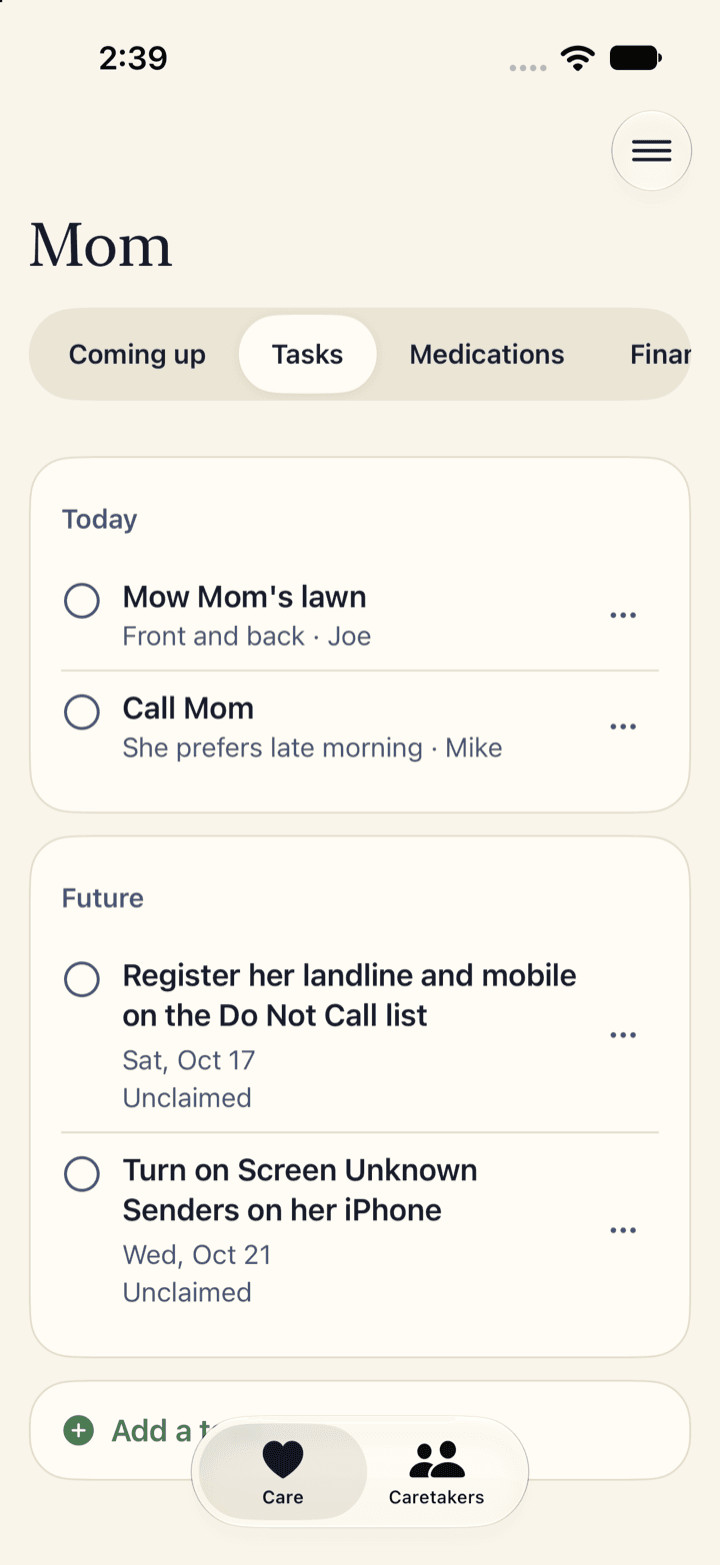
Todos and appointments
Today's todos and the next appointment in one list, and who's picked up what.
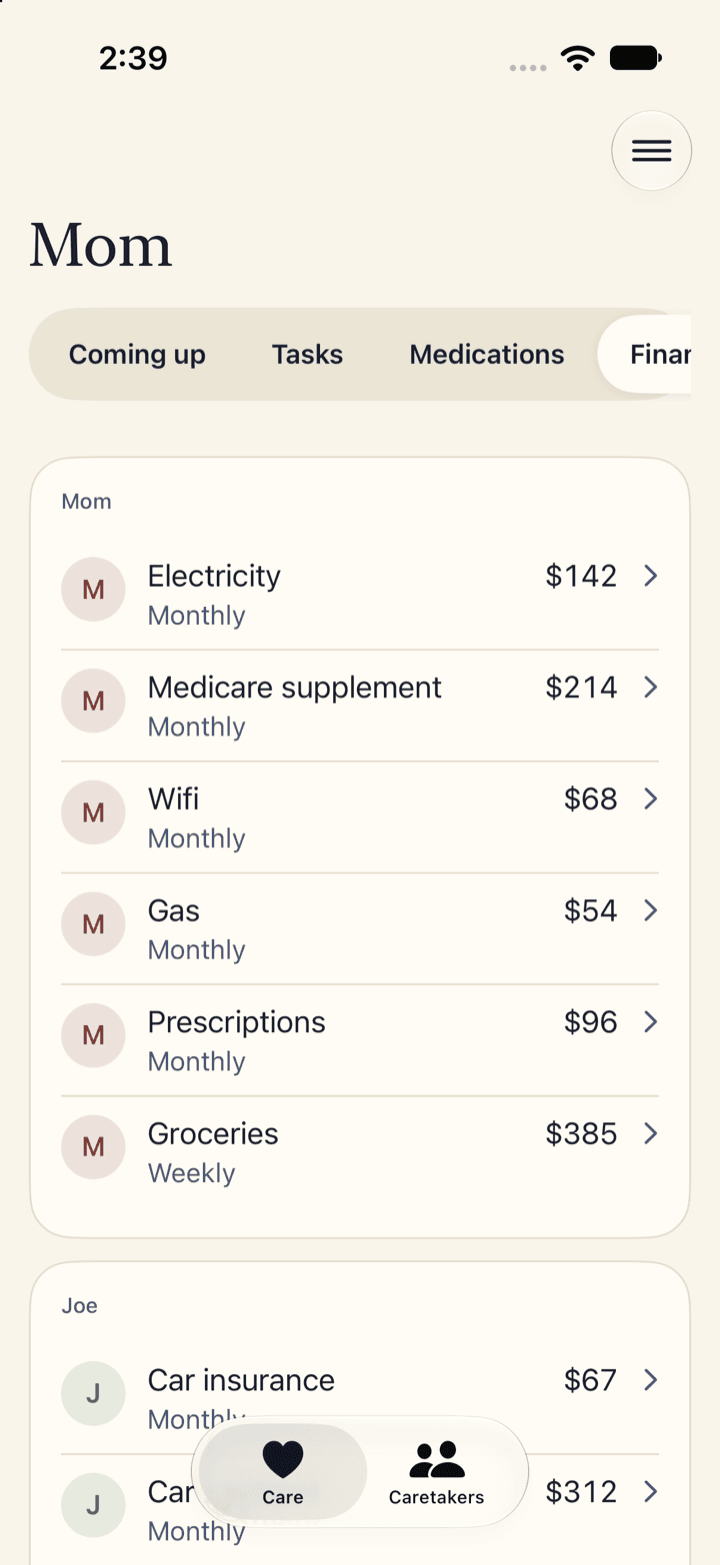
Bills
Who's paying what. Snap a photo of a bill and the app fills in who it's from, how much, and when it's due.
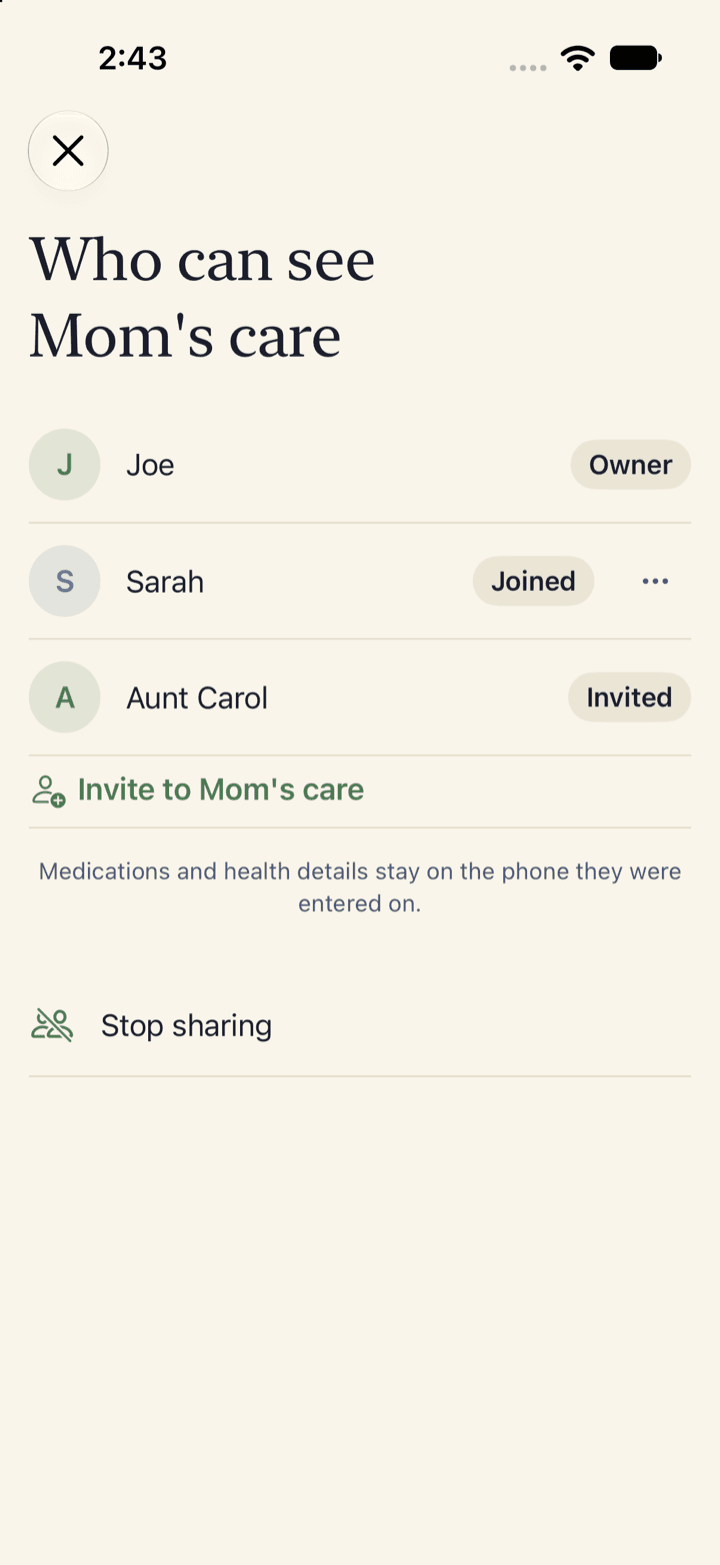
The people you invite
Invite anyone who helps out. Every note shows who wrote it and when.
Only invited people can see a loved one's care plan
What everyone you invite can see
Appointments, bills, todos, contacts and notes.
What stays only on your phone
Medications and health details. Nobody else can see them, not even the people you've invited.
There's no account to set up, and we never see any of your information. Here's the privacy policy.
Questions
Does the person I'm caring for need to install anything?
No. Nothing for him or her to install, and no phone needed. You download it, invite whoever helps, and you're set.
What counts as checking in?
Any call you log with one tap, and any todo someone checks off, like a ride to the doctor or a pharmacy run. The app adds it all up, so you always know how long it's been.
How does everyone see the same thing?
You invite people right from the app and they accept on their phone. No sign-up, no login. From then on, anything one person adds shows up for everyone.
What about the group text and the shared notes we already have?
Keep them for talking. This is the one place made for the rest: todos with a name on each, bills with who's paying, and how long it's been since anyone checked in, worked out for you. No more scrolling back through the thread to find the last update.
Does it work from far away?
Yes. It was built for the person who lives a few hours away. You see exactly what everyone else sees, the moment it changes.
How does the plan work?
One person pays and everyone that person invites is in, for up to five homes. You'll see the plan in the app before you invite anyone, and Apple handles the payment.
Can it hold more than one person?
Yes. Each person you're caring for gets a page and a set of helpers, and one plan covers up to five homes.
What else is in the app?
A medication list with a checkbox for each dose, kept on your own phone. A care summary you can text to a sitter or a nurse. And the birthdays and holidays coming up.
Keep Sunday Afternoon for your loved ones.
The waitlist is a short form on the Worktree Labs site.